R is a powerful programming language used extensively in data analysis and visualization. One of the most common types of charts used to display categorical data is the pie chart. A pie chart is a circular statistical graphic divided into slices to illustrate numerical proportion. Each slice represents a category, and the size of the slice is proportional to the percentage of the whole that the category represents.
When dealing with multiple datasets or categories, creating multiple pie charts can be an effective way to compare and contrast the data. However, creating multiple pie charts in R can be challenging, especially for those new to the language. Fortunately, R provides several libraries and functions that make it easy to create multiple pie charts, including the base graphics system and the popular ggplot2 library.
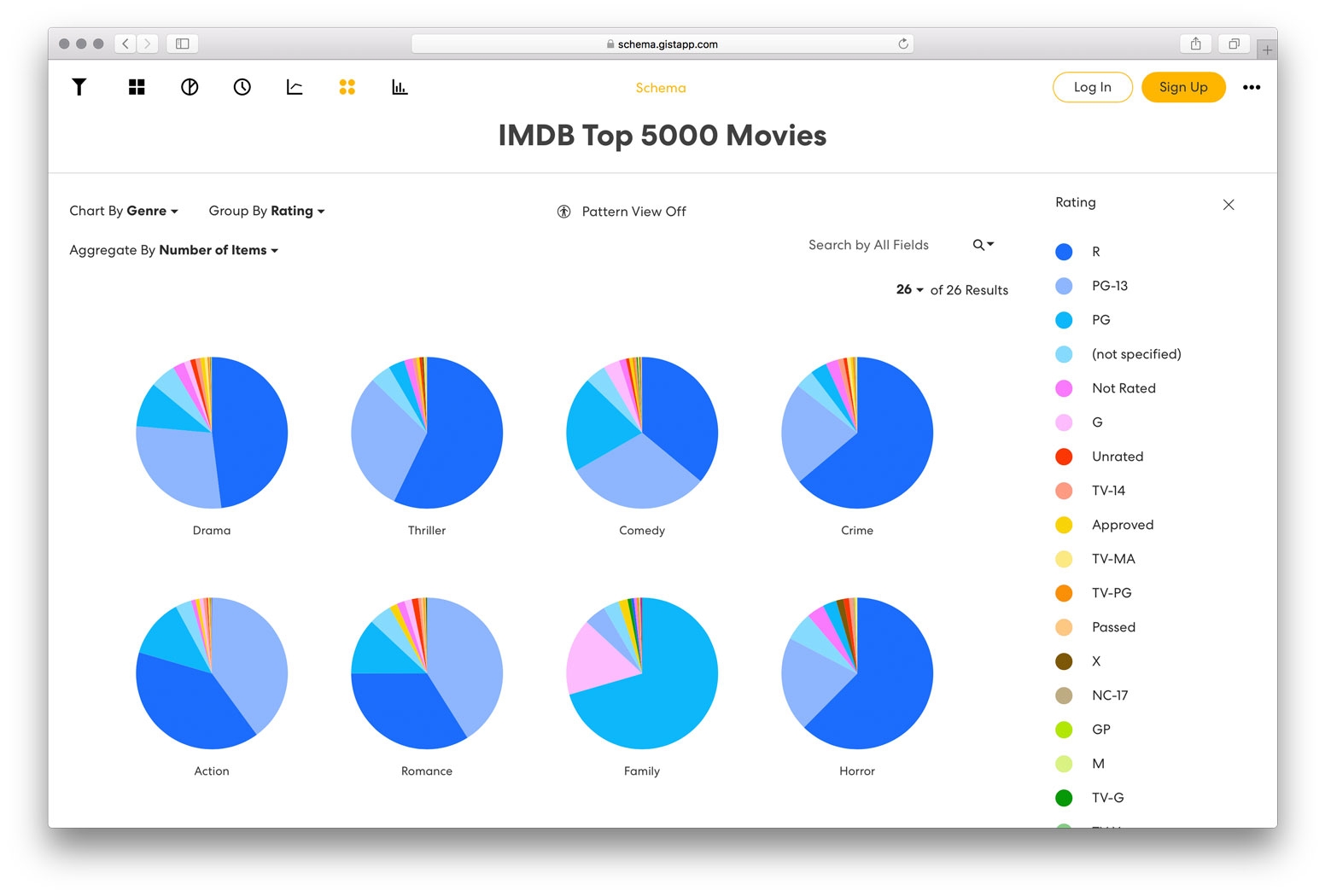
Small Multiples Gist
Introduction to R and Pie Charts
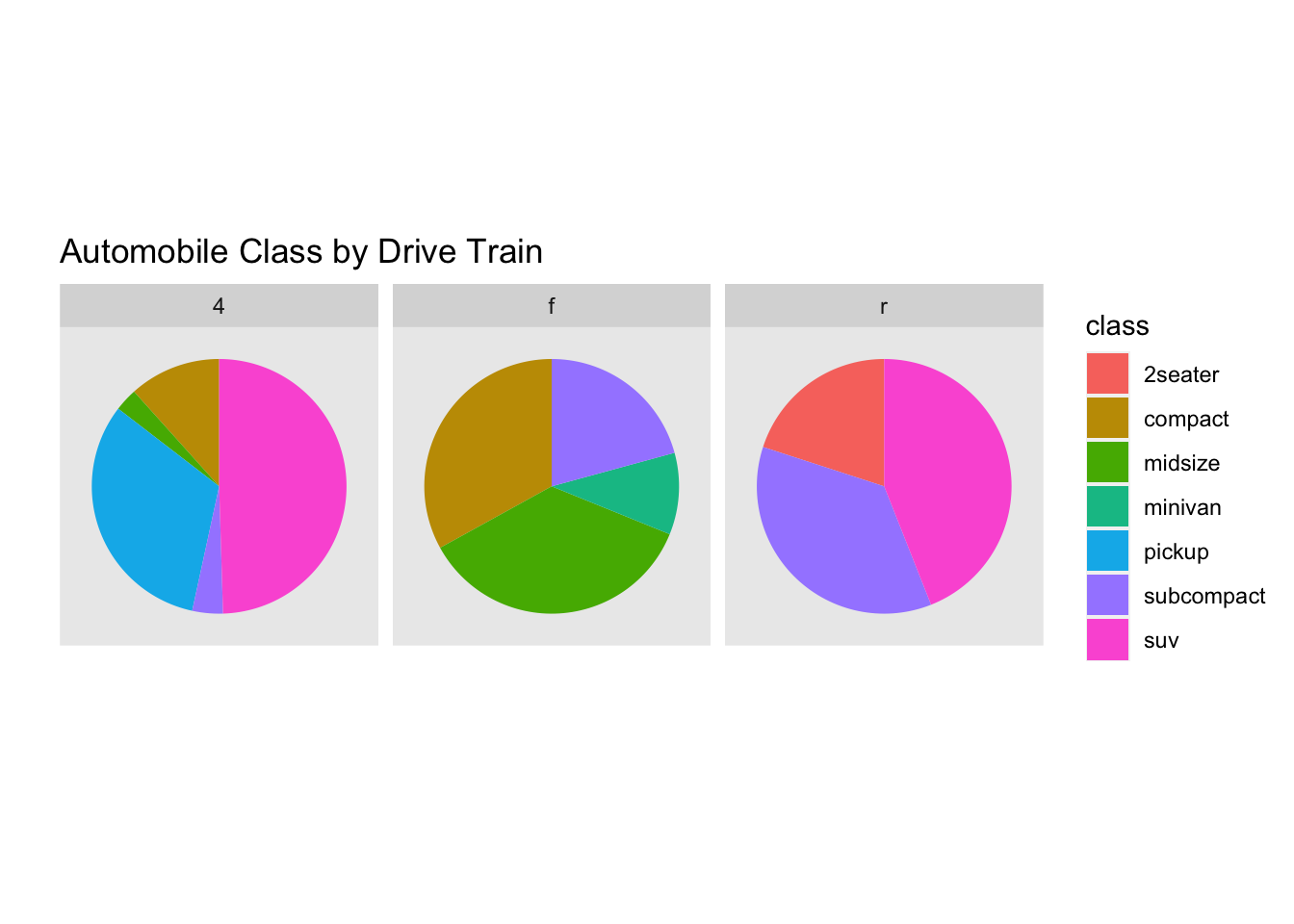
R provides a built-in function to create pie charts, but for more complex and customizable charts, ggplot2 is often the go-to library. To create multiple pie charts with ggplot2, you can use the facet_wrap or facet_grid functions, which allow you to create multiple charts with a single command. This approach is particularly useful when working with large datasets or when you need to create multiple charts with different categories.
Pie Charts
Creating Multiple Pie Charts with ggplot2
To create multiple pie charts with ggplot2, you first need to prepare your data by converting it into a long format using the pivot_longer function from the tidyr library. Then, you can use the ggplot function to create the pie charts, specifying the x and y variables, as well as the fill color. Finally, you can use the facet_wrap or facet_grid function to create multiple charts, specifying the variable that defines the categories for each chart.
Customizing Your Pie Charts with Colors and Labels
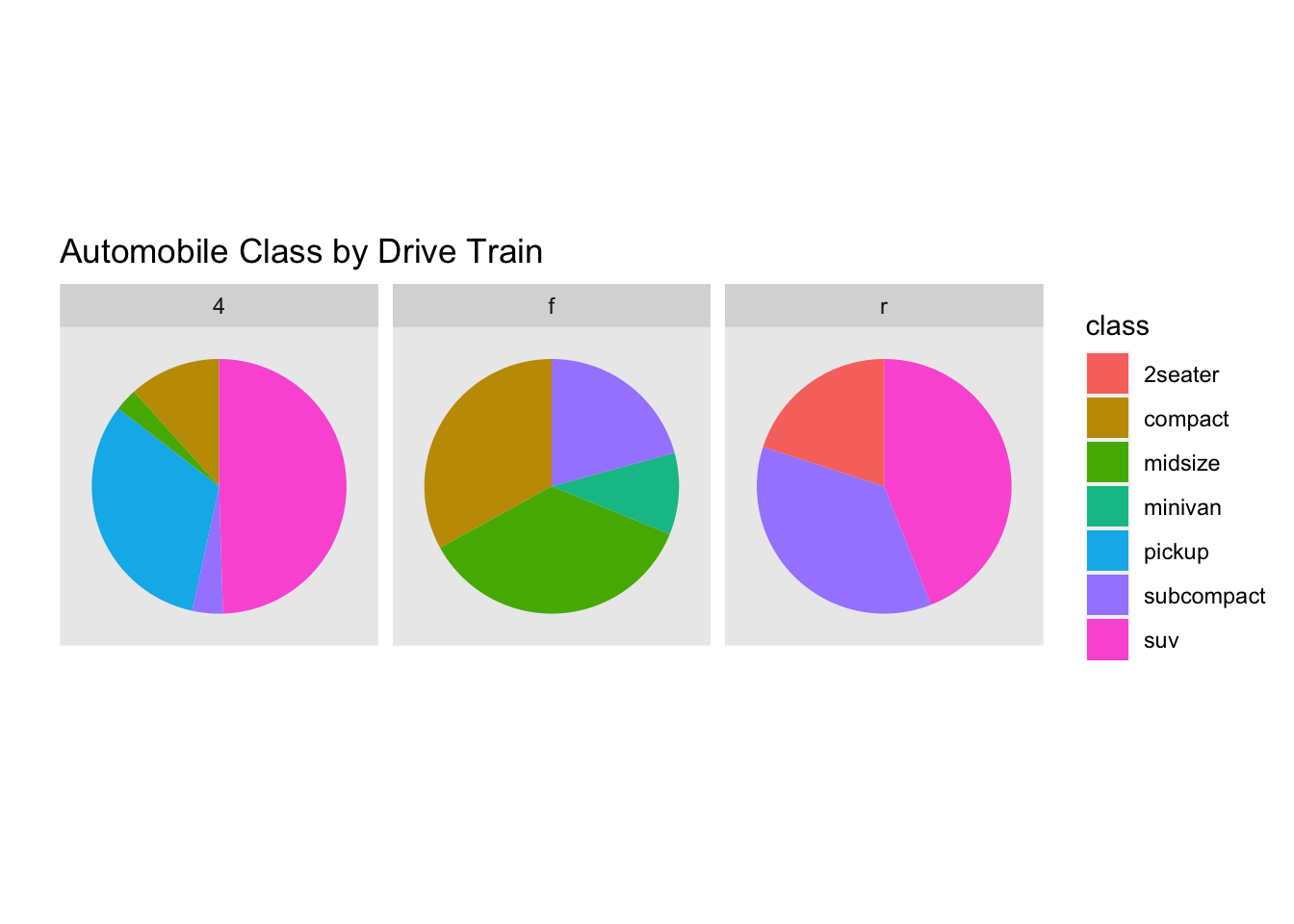
Customizing your pie charts with colors and labels is essential to make them more informative and visually appealing. You can use the scale_fill_manual function to specify custom colors for each category, and the labs function to add titles and labels to your charts. Additionally, you can use the theme function to customize the overall appearance of your charts, including the background color, font sizes, and more.
Pie Charts
In conclusion, creating multiple pie charts in R is a straightforward process that can be achieved using various libraries and techniques. By following the steps outlined in this guide, you can create informative and visually appealing pie charts that effectively communicate your data insights. Whether you’re working with small or large datasets, R provides the tools and flexibility you need to create high-quality pie charts that meet your needs.
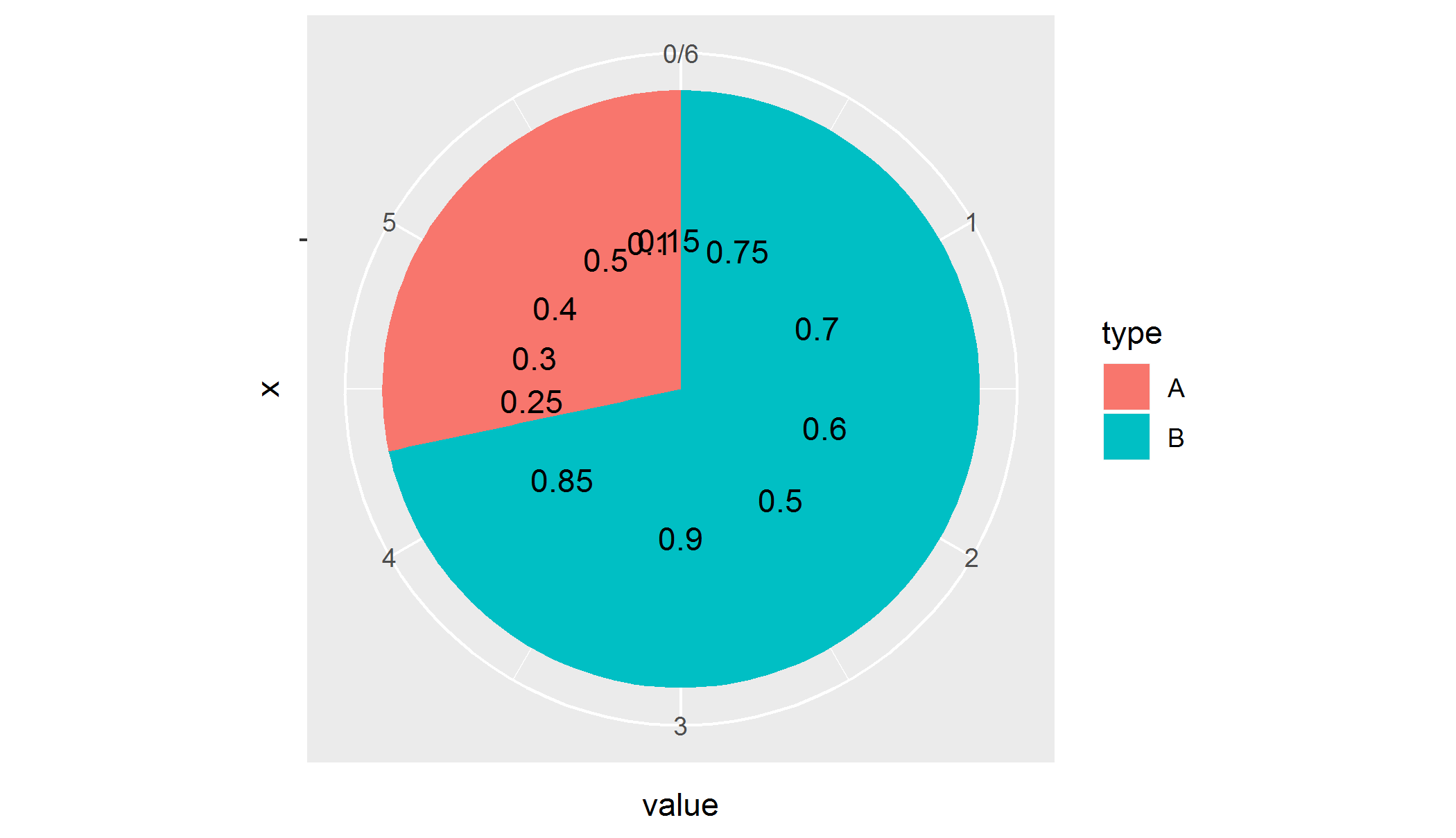
R Plotting Multiple Pie Charts With Label In One Plot Stack Overflow
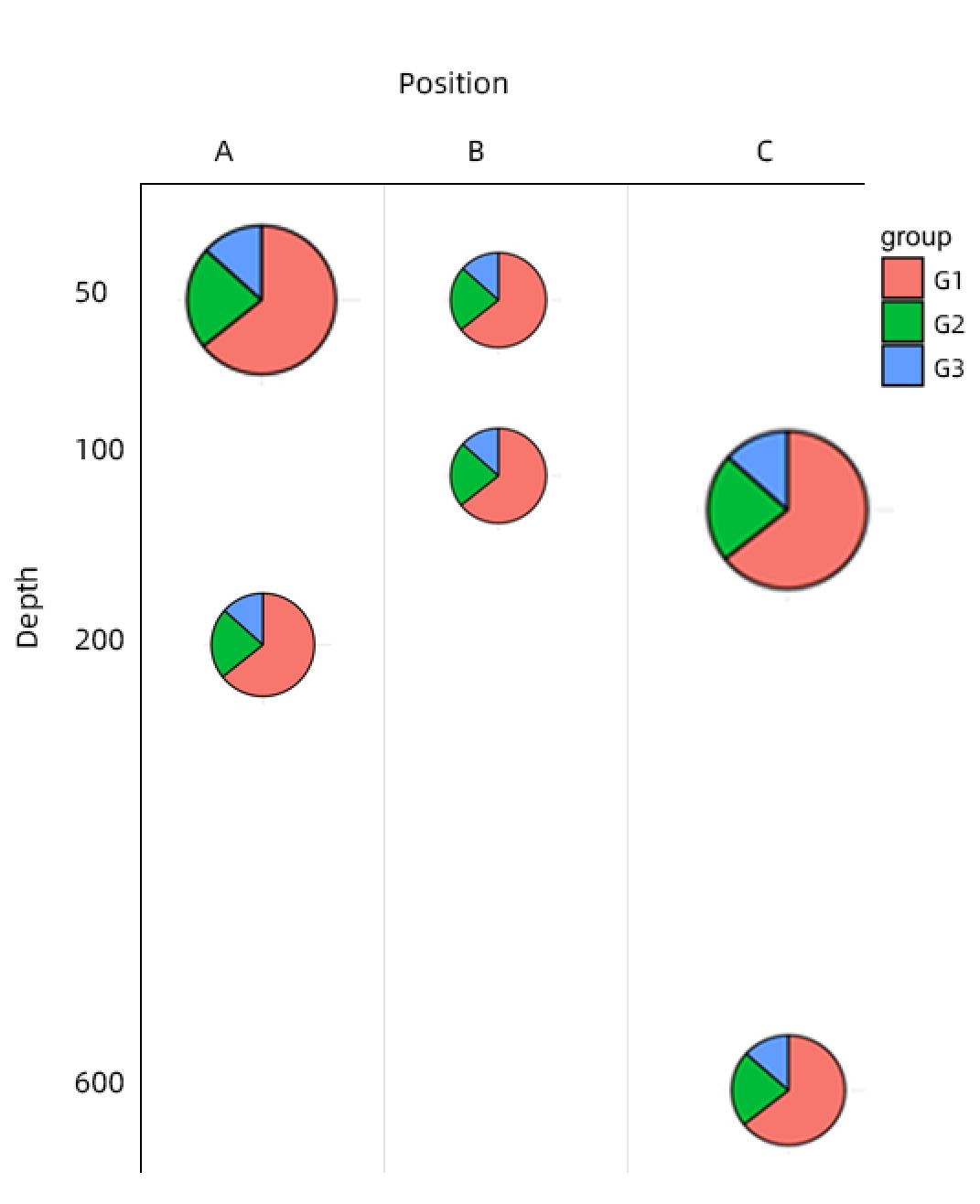
Ggplot2 Plot Multiple Pie Chart In Different Size And Position In R Stack Overflow